On this page
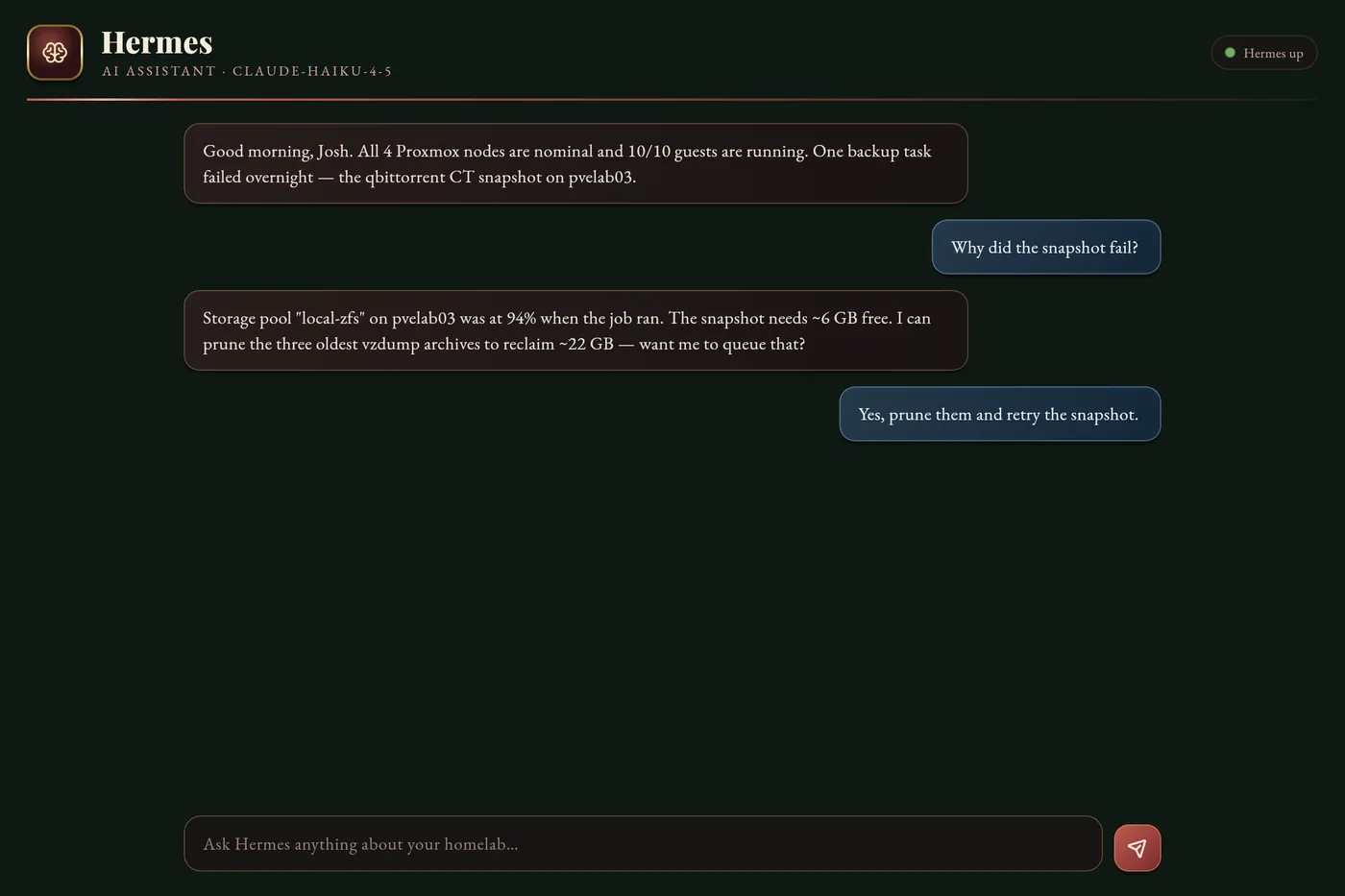
An Ollama cluster handles repetitive inference well, but some tasks genuinely need frontier-model reasoning. Hermes Agent bridges both worlds. If “AI agent” is a fuzzy term for you, here’s the practical definition: an agent is a model wrapped in a loop that can do things — call tools like web search, shell commands, file I/O, and HTTP requests — and use the results to take its next step, rather than just answering a single prompt. Hermes runs that loop on your own hardware, routes hard problems to Anthropic Claude, and falls back to cheaper OpenRouter models (or a local one) when quotas are tight or the task doesn’t warrant the cost.
This is the setup that lets me type hermes-task "summarize this week's Grafana alerts" from my laptop and get a formatted report back in under a minute.
How Hermes routes requests
RouteLLM acts as the routing layer — it examines the task complexity and cost sensitivity, then dispatches to the appropriate model. Complex multi-step tasks go to Anthropic; boilerplate generation goes local.
Task 1: Create CT 107 on pvelab01
Example values appear throughout this guide: the 10.0.0.x addresses (your LAN IPs), container ID 107 and node names like pvelab01 (yours will differ), your_key_here for the Anthropic and OpenRouter API keys (real keys belong in a secret store, never in a note or a committed file), and your@email.com for the weekly report. If a value looks specific to one machine, it’s a placeholder to change — not a literal to copy.
| Field | Value |
|---|---|
| VMID | 107 |
| Hostname | hermes |
| OS | Ubuntu 24.04 LXC (unprivileged) |
| Host | pvelab01 (16 GB RAM available) |
| IP | 10.0.0.250 |
| Cores | 4 |
| RAM | 4096 MB |
| Disk | 20 GB |
A static IP matters here — the hermes-task CLI on your laptop and the app both have this hardcoded.
Task 2: Install Hermes Agent
apt-get update && apt-get install -y \
python3 python3-pip python3-venv \
git curl wget jq
useradd -m -s /bin/bash hermes
su - hermes -c "python3 -m venv /home/hermes/venv"
su - hermes -c "/home/hermes/venv/bin/pip install hermes-agent routellm anthropic openai"
Store keys in /root/.myofficelab-secrets on pvelab04, then read them into the systemd environment. The config below uses environment variable references.
cat > /home/hermes/config.yml {'<<'} 'EOF'
router:
strategy: quality_cost_balanced
primary_model: claude-sonnet-4-6
fallback_chain:
  - provider: openrouter
    model: google/gemini-flash-1.5
  - provider: openrouter
    model: mistralai/mistral-nemo
  - provider: local
    url: http://10.0.0.65:11434
    model: llama3.2

tools:
- web_search
- shell_exec
- http_fetch
- read_file
- write_file

server:
host: 0.0.0.0
port: 8642

kanban:
enabled: true
data_dir: /home/hermes/kanban-data
EOF
chown hermes:hermes /home/hermes/config.yml
cat > /etc/systemd/system/hermes.service {'<<'} 'EOF'
[Unit]
Description=Hermes Agent
After=network.target

[Service]
User=hermes
WorkingDirectory=/home/hermes
EnvironmentFile=/etc/hermes-secrets.env
ExecStart=/home/hermes/venv/bin/hermes serve --config /home/hermes/config.yml
Restart=always
RestartSec=5

[Install]
WantedBy=multi-user.target
EOF

# Create secrets env file (filled from .myofficelab-secrets)
cat > /etc/hermes-secrets.env {'<<'} 'EOF'
ANTHROPIC_API_KEY=your_key_here
OPENROUTER_API_KEY=your_key_here
EOF
chmod 600 /etc/hermes-secrets.env

systemctl enable --now hermes
curl http://10.0.0.250:8642/health
# → {"status":"ok","models":["claude-sonnet-4-6","gemini-flash-1.5","llama3.2"]}

curl -X POST http://10.0.0.250:8642/task \
-H 'Content-Type: application/json' \
-d '{"prompt":"What is 2 + 2?","priority":"low"}'
Task 3: Set up the laptop-side hermes-task CLI
This lets you delegate tasks to the cluster from your local machine without SSH.
cat > ~/.local/bin/hermes-task {'<<'} 'EOF'
#!/bin/bash
HERMES_URL="http://10.0.0.250:8642"
TASK="$*"
if [ -z "$TASK" ]; then
echo "Usage: hermes-task \"<prompt>\""
exit 1
fi
curl -s -X POST "$HERMES_URL/task" \
-H 'Content-Type: application/json' \
-d "{\"prompt\":\"$TASK\"}" | jq -r '.result // .error'
EOF
chmod +x ~/.local/bin/hermes-task
Test it (requires Tailscale or LAN access):
hermes-task "List all running LXC containers in the Proxmox cluster"
Task 4: Set up the Kanban board for project tracking
Hermes includes a lightweight Kanban system you can use for homelab project tracking.
# Access Hermes kanban via pct exec on pvelab01
ssh pvelab01 "pct exec 107 -- su - hermes -s /bin/bash -c \
'hermes kanban --board myofficelab create'"

# Add cards
ssh pvelab01 "pct exec 107 -- su - hermes -s /bin/bash -c \
'hermes kanban --board myofficelab add \"Deploy monitoring stack\" --column todo'"

# List all cards
ssh pvelab01 "pct exec 107 -- su - hermes -s /bin/bash -c \
'hermes kanban --board myofficelab list'"
Add a cron job inside CT 107 to email a weekly summary of open Kanban items:
crontab -u hermes -l 2>/dev/null; echo "0 9 * * 1 /home/hermes/venv/bin/hermes kanban --board myofficelab report --email your@email.com" | crontab -u hermes -
Practical use patterns
The most useful patterns once Hermes is running:
The routing is transparent — you never need to specify which model handles each task. RouteLLM observes the task’s complexity and picks accordingly.
What Hermes enables that raw Ollama doesn’t
It’s worth being precise about the difference, because it determines which tool you reach for. Ollama serves completions — you send text in, you get text back, and that’s the whole transaction. Hermes is an agent — it can:
- Execute multi-step plans with tool use between steps
- Read files, make HTTP calls, and run shell commands as part of a task
- Persist state across a conversation
- Delegate to the right model for each sub-task in a pipeline
The practical difference: “list my running containers” is an Ollama job. “Audit my cluster’s resource utilization, identify the three most overloaded containers, and write a Proxmox migration plan” is a Hermes job.
Related posts:
- Running Ollama on a 3-Node Proxmox LXC Cluster — the inference backend Hermes routes requests to
- Open WebUI Advanced Configuration — the web interface that sits alongside Hermes for direct model access
- Tailscale Subnet Router: Remote Access to Your Entire Homelab — access Hermes from anywhere on your devices
- Building a 4-Node Proxmox Cluster on HP EliteDesk Mini PCs — the hardware running all of this
- Proxmox Monitoring with Prometheus and Grafana — observe the cluster Hermes manages
- Track AI Token Spend in Grafana: Claude, Codex, and Ollama — watch the agent’s token spend, cache hits, and queue health on one dashboard
Sources: Hermes Agent documentation, Ollama.
Comments
Comments are powered by GitHub Discussions — sign in with a GitHub account to join the conversation.