Field tools
Worksheets that compute
TWELVE TOOLS · NO SIGNUP · NO TRACKING · BUILT FROM THE LAB NEXT DOOR
Every guide on this site eventually turns into the same questions: what hardware do I need, what happens when a node dies, are my backups actually safe, why can't this container reach that box, and what on earth is this log trying to tell me? These 12 small tools answer them. Each one is a single page that works offline once loaded, and none of them ask who you are.
They share one lab profile
Describe your lab once — in the sizing calculator, say — and press Save to profile. The other tools pick it up: the failure simulator opens with your nodes and services already modelled, the backup planner knows what data you have, the power-loss playbook knows what's plugged in. When you're done, Lab doc hands you the whole thing as a Markdown record for your own notes. It lives in your browser and goes nowhere near a server.
Plan the build
Before you spend money, or after you have and want to know what you actually bought.
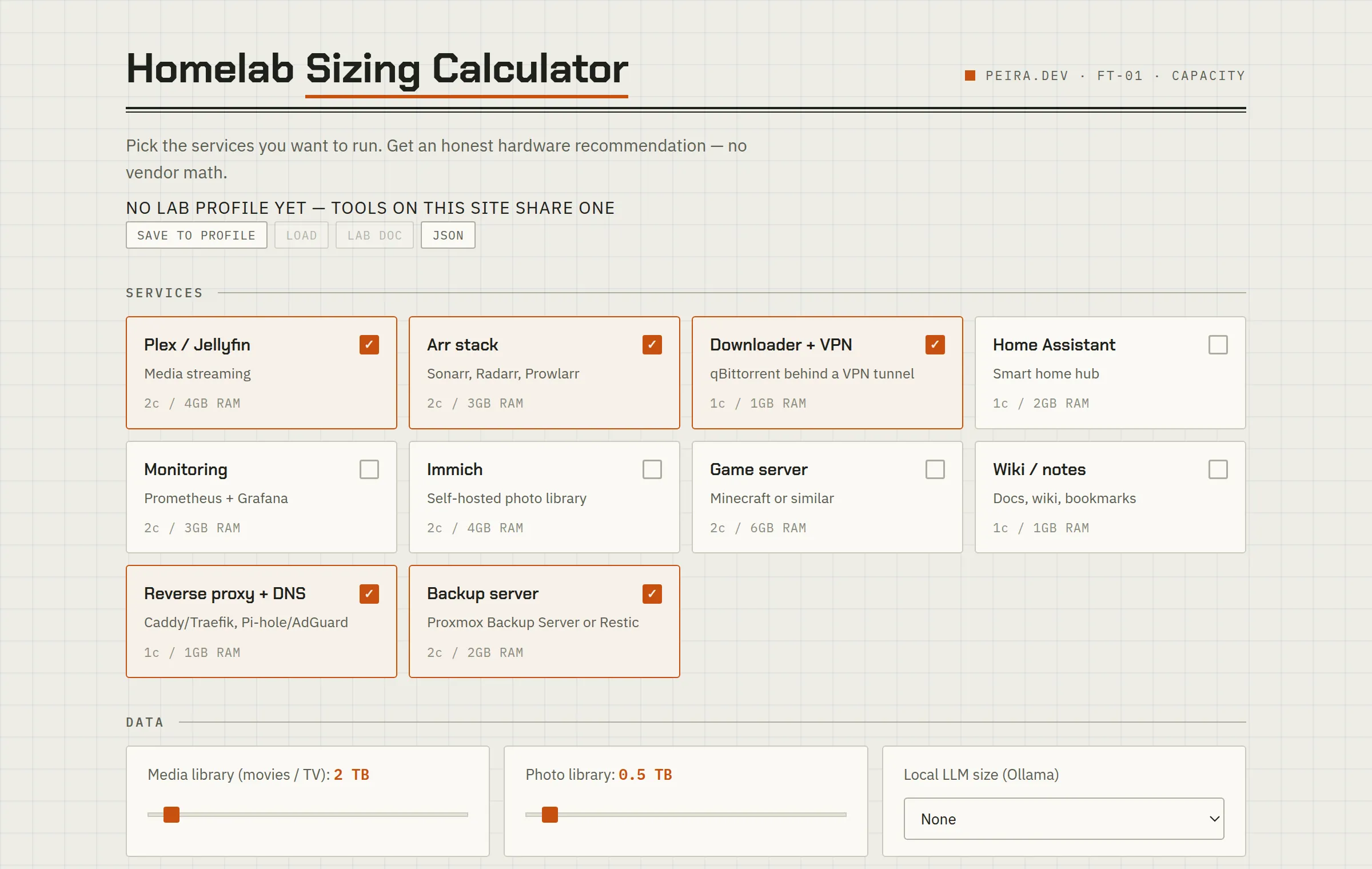 FT-01Homelab Sizing CalculatorTick the services you want to run and get an honest node, RAM, and storage recommendation — including what changes if you want to survive a node failure.Open tool →
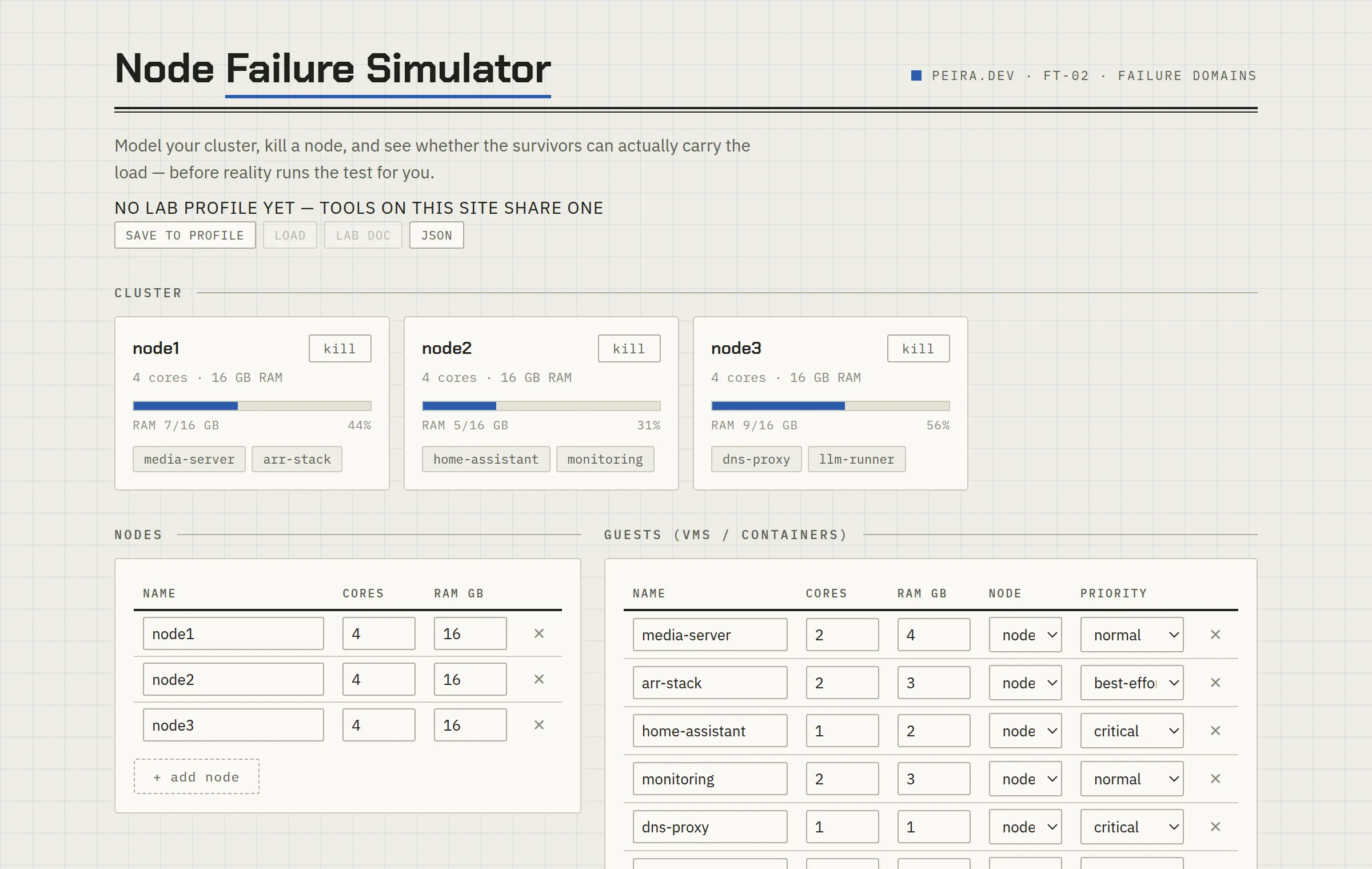 FT-02Node Failure SimulatorModel your cluster, kill a node, and see which guests actually fit on the survivors — before reality runs the test for you.Open tool →
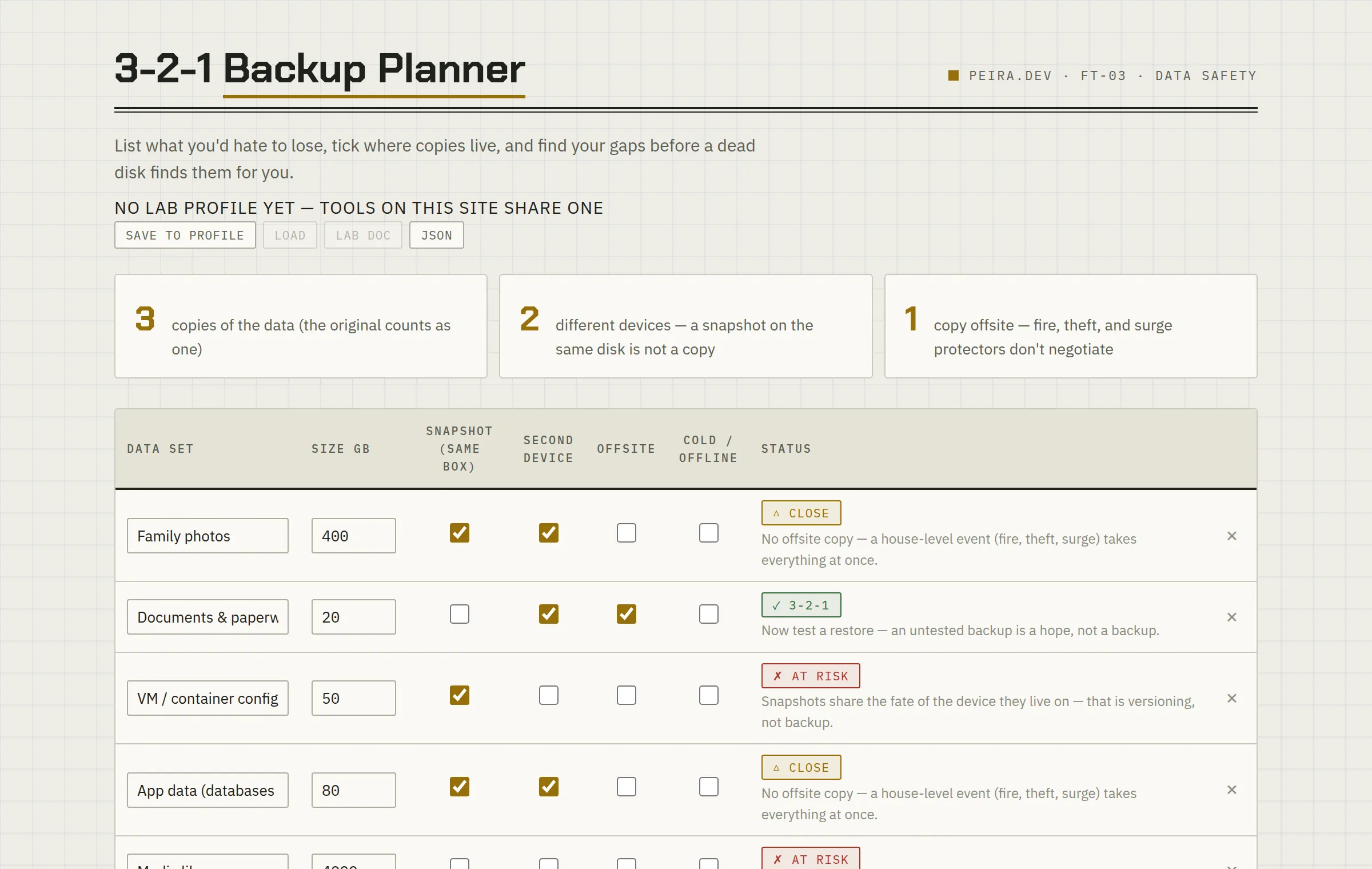 FT-033-2-1 Backup PlannerList the data you’d hate to lose, tick where copies live, and find the gaps before a dead disk finds them for you.Open tool →
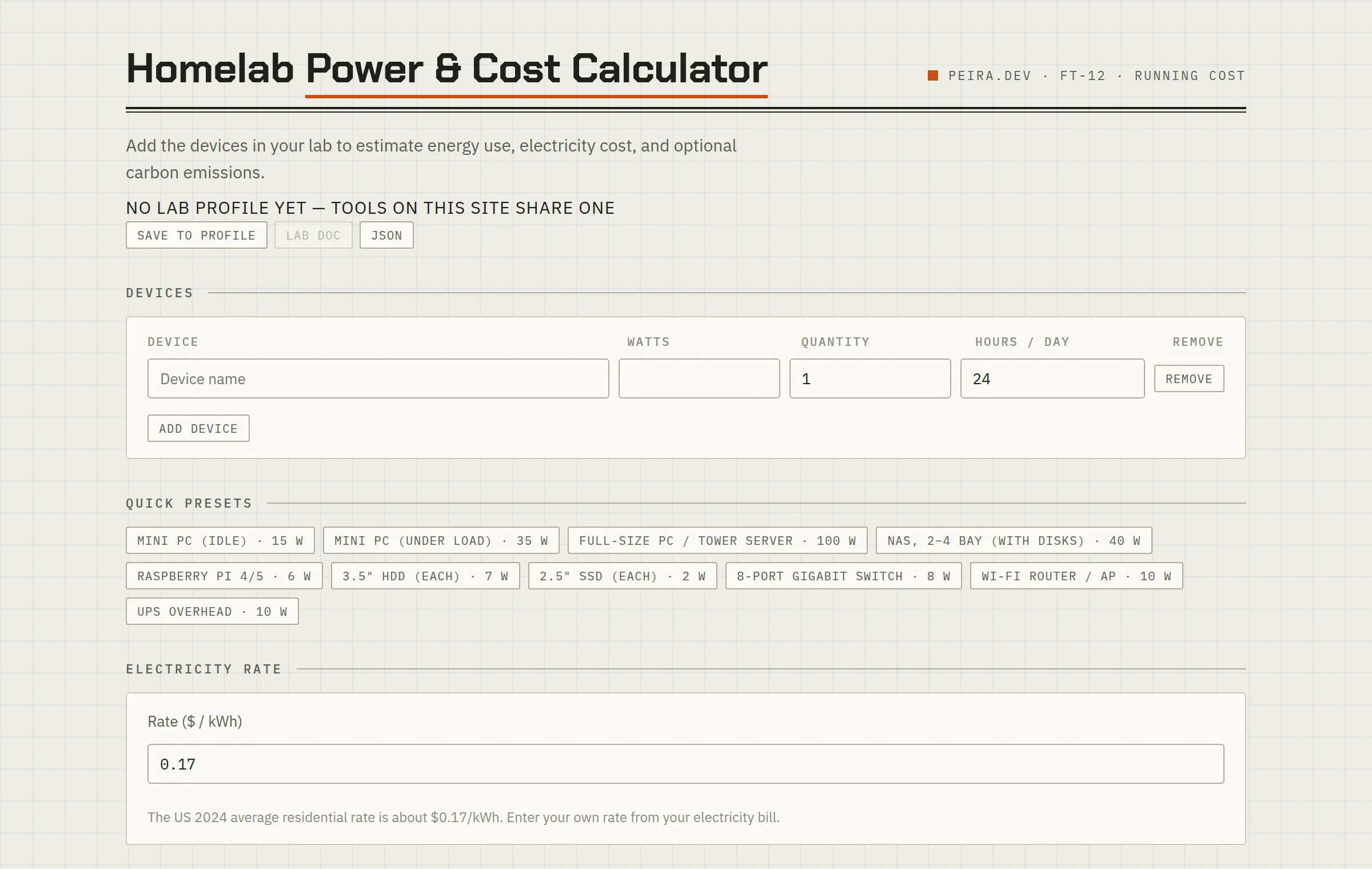 FT-12Power & Cost CalculatorAdd up what your gear actually draws, enter your electricity rate, and see the honest monthly and yearly running cost — with grounded watt defaults you can override with a meter reading.Open tool →
Fix what’s broken
For the evening it stops working and you have no idea which layer is lying to you.
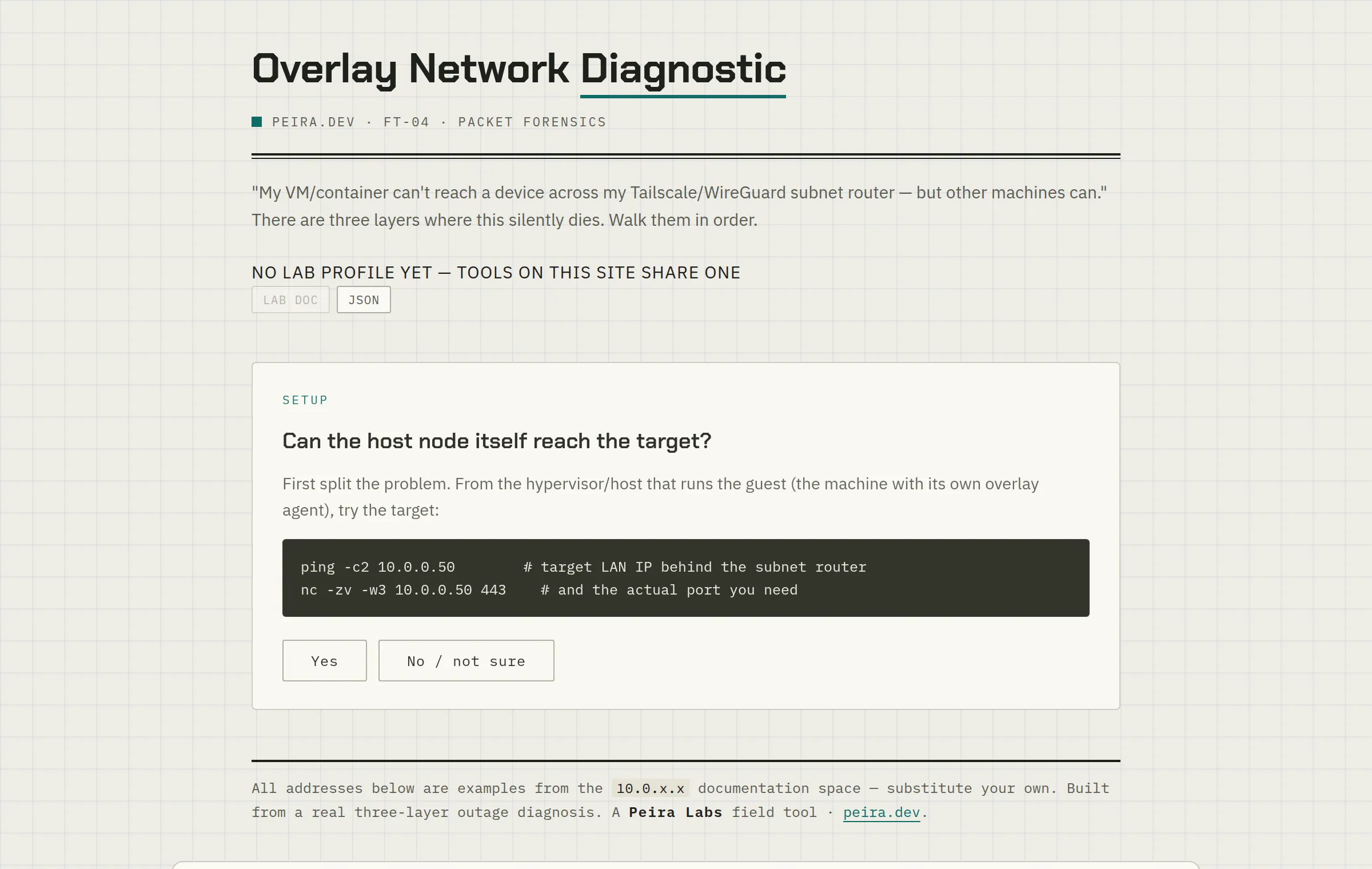 FT-04Overlay Network DiagnosticA guest can’t reach across your Tailscale subnet router? Walk the three layers where that silently dies: route, ACL, host firewall.Open tool →
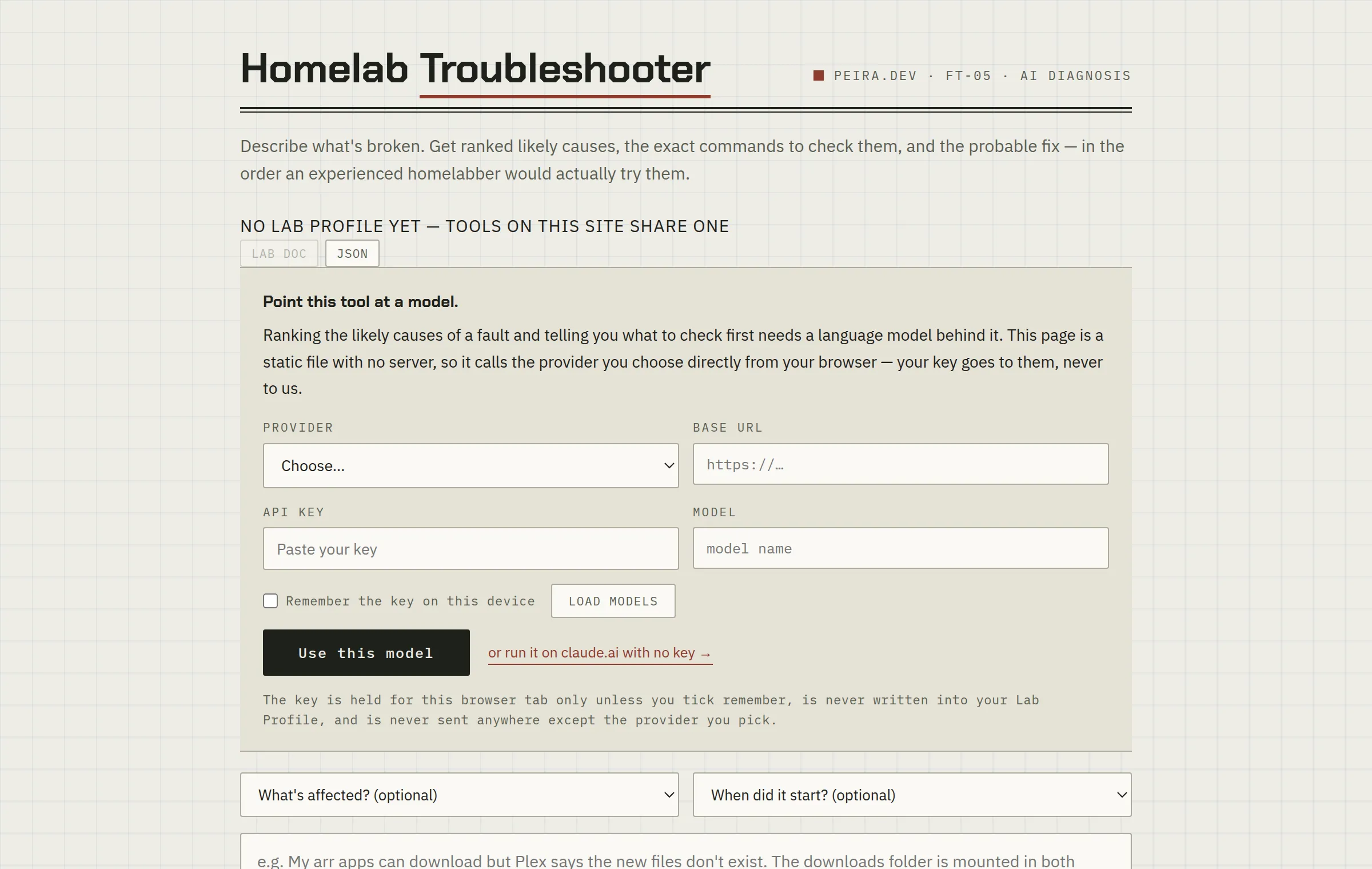 FT-05needs a modelHomelab TroubleshooterDescribe what’s broken and get ranked likely causes, the exact commands to check them, and the probable fix.Open tool →
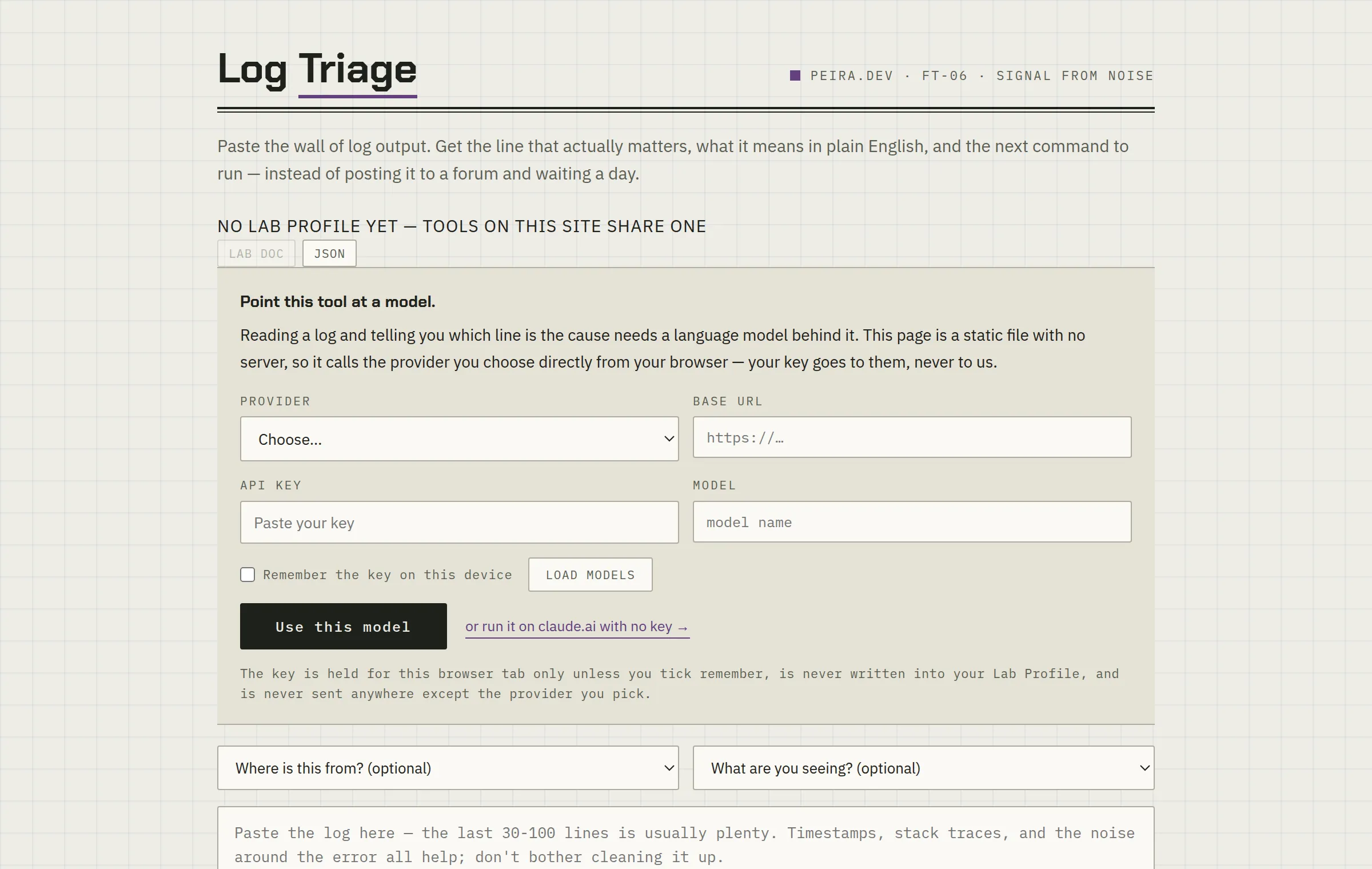 FT-06needs a modelLog TriagePaste the wall of log output and get the one line that actually matters, what it means, and which of the scary-looking lines you can ignore.Open tool →
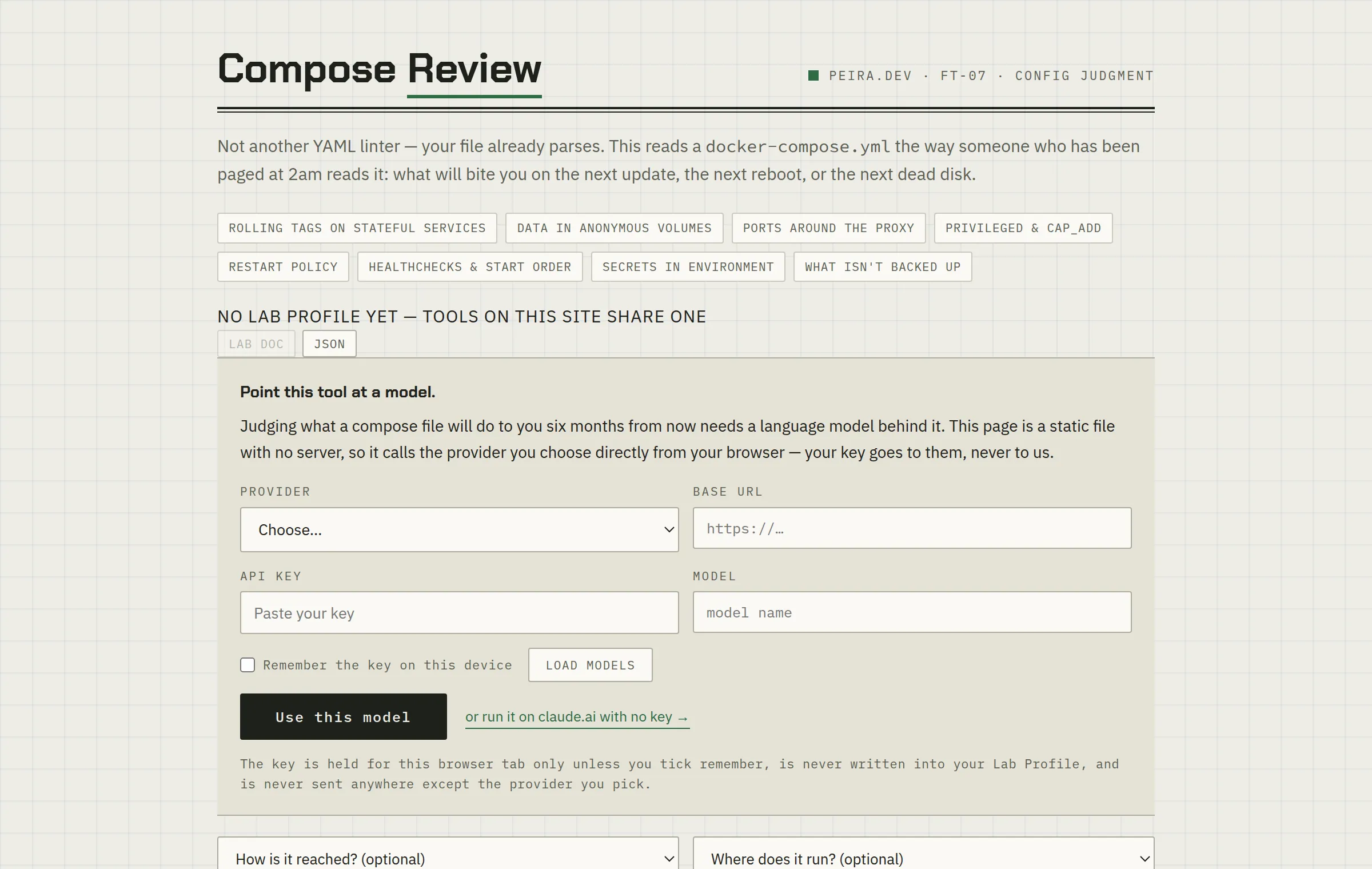 FT-07needs a modelCompose ReviewNot another YAML linter — your file already parses. What in this stack will bite you on the next update, reboot, or dead disk?Open tool →
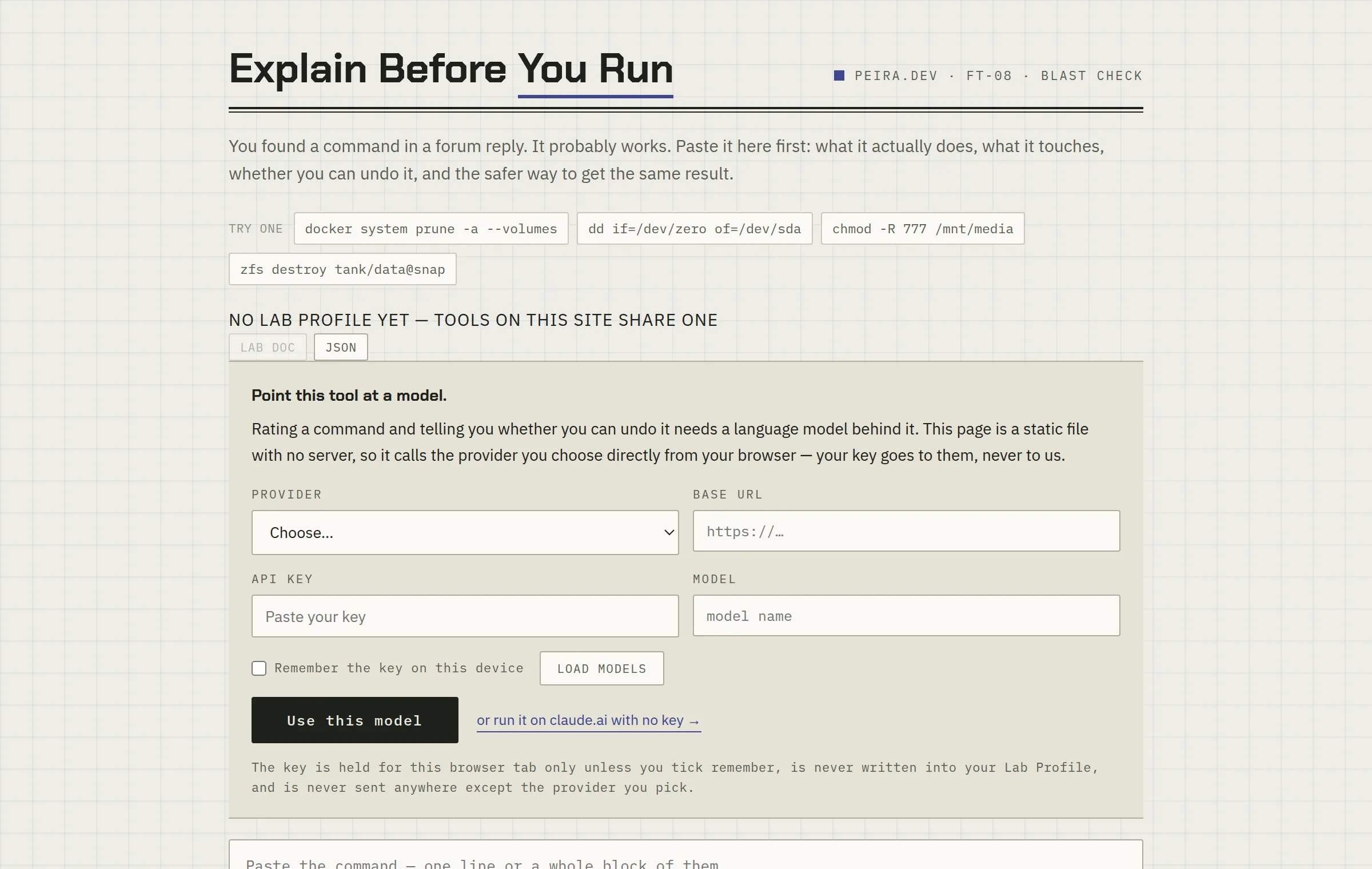 FT-08needs a modelExplain Before You RunPaste that command you found in a forum reply. What it touches, whether you can undo it, and a safer way to get the same result.Open tool →
Survive the bad day
The three questions nobody asks until the answer is expensive.
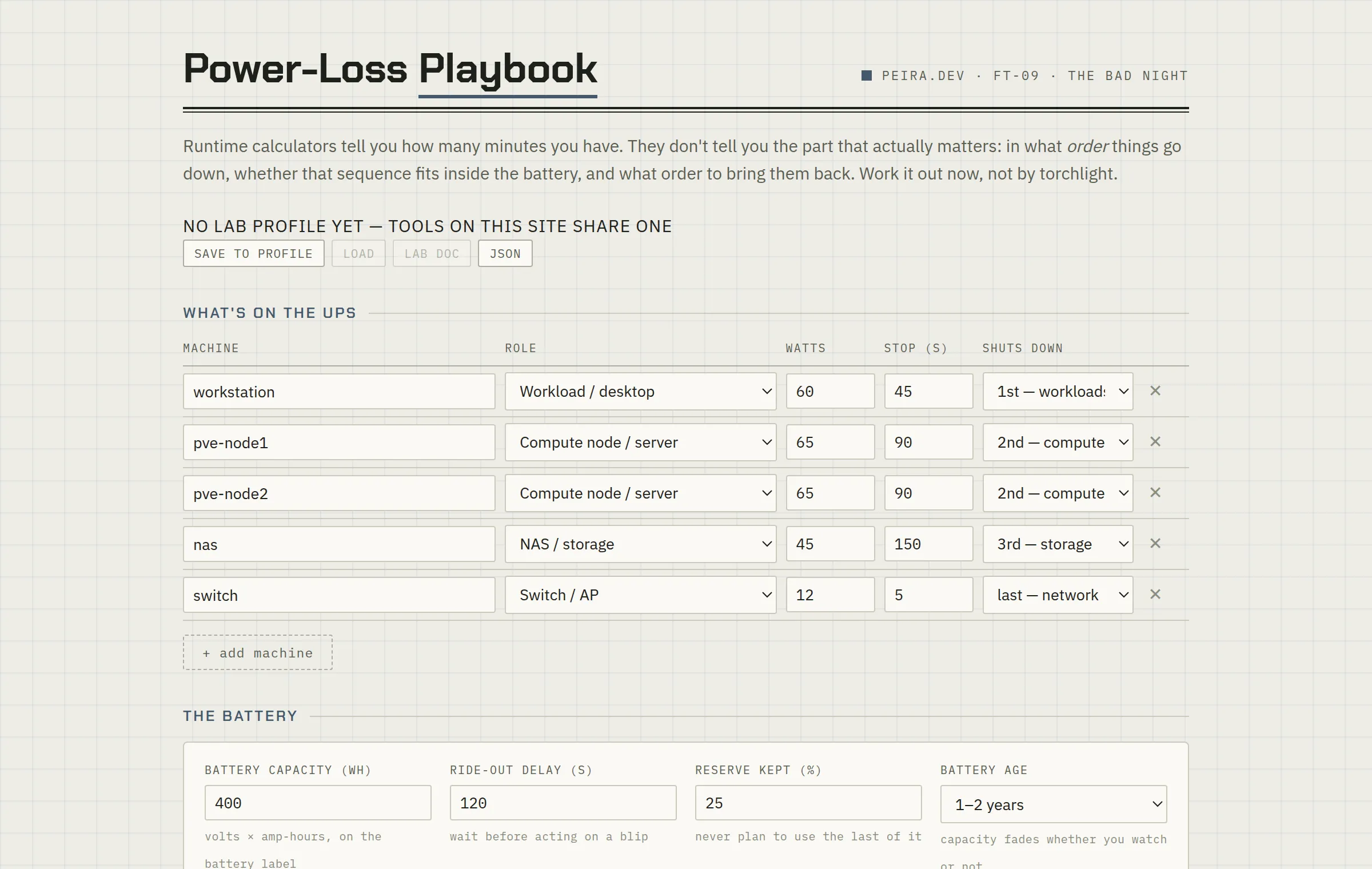 FT-09Power-Loss PlaybookRuntime calculators tell you how many minutes you have. This tells you what order things go down in, whether that fits inside the battery, and how to bring them back.Open tool →
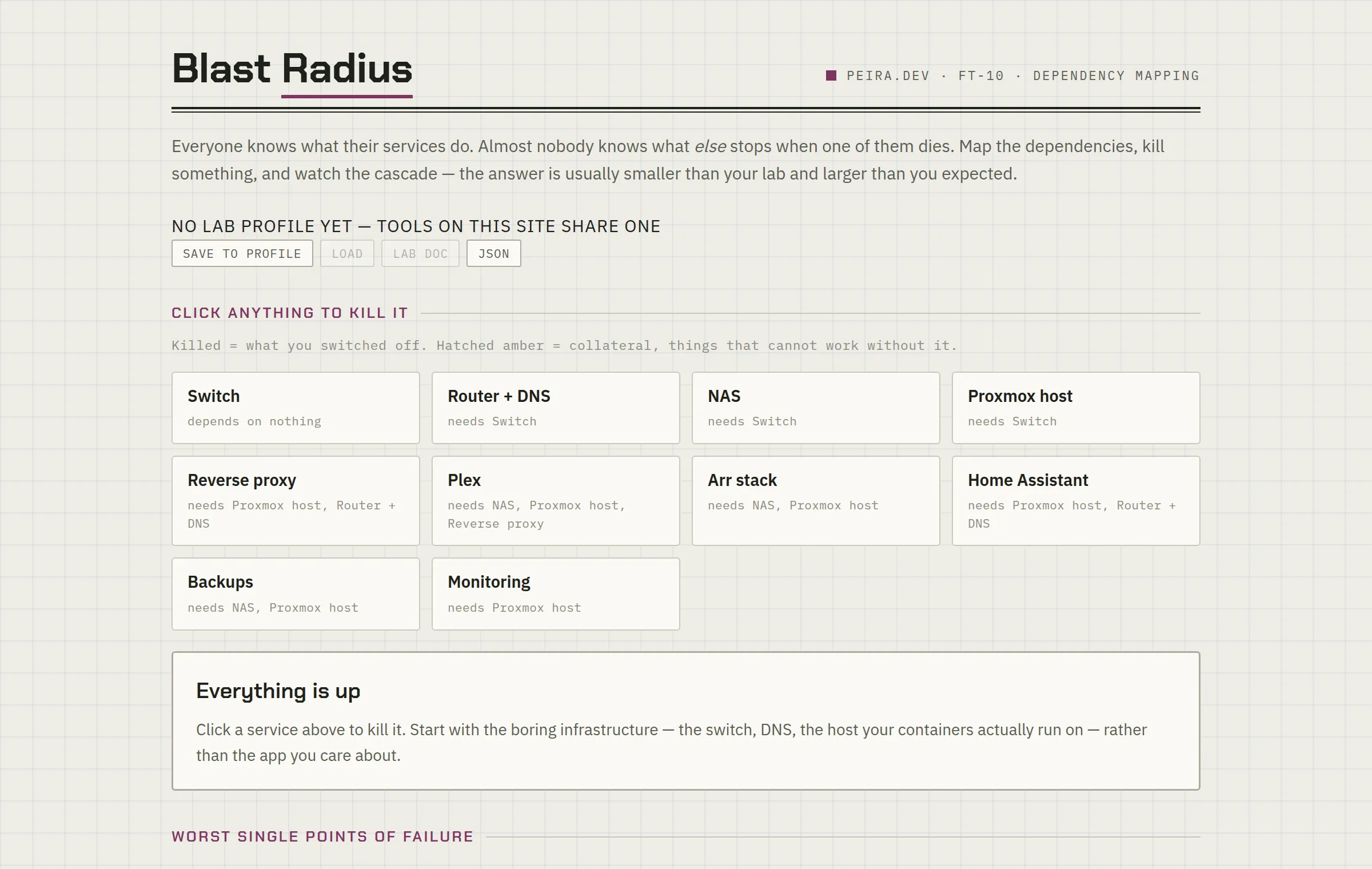 FT-10Blast Radius MapperMap what depends on what, kill something, and watch the cascade. Most labs have one box quietly carrying everything.Open tool →
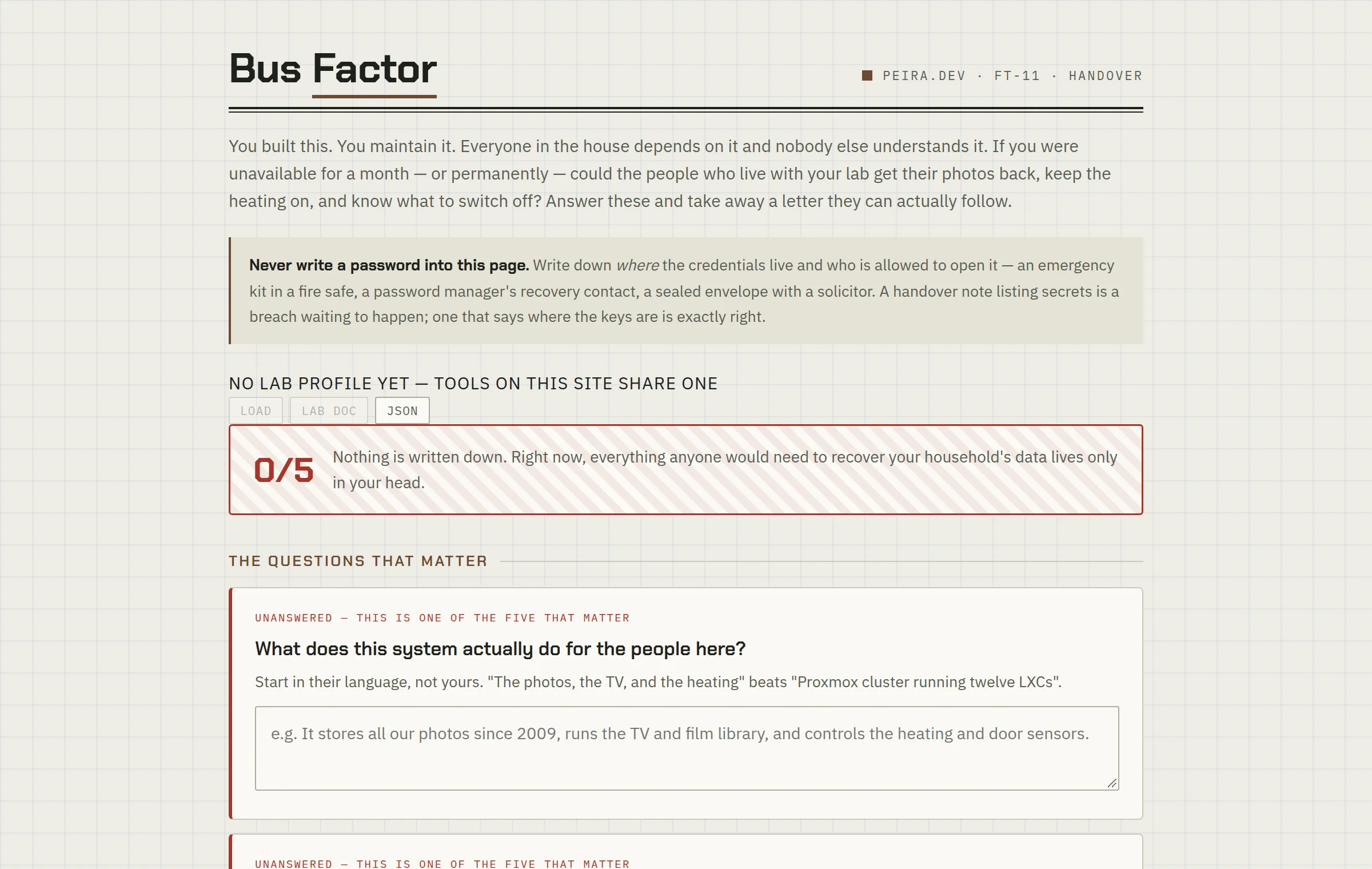 FT-11Bus FactorIf you were unavailable for a month, could the people you live with get the photos back? Answer nine questions, take away a letter they can actually follow.Open tool →
The tools open as printed-worksheet pages — a deliberate change of scenery from the site. Four of them think for a living, so those need a model behind them: run one free on claude.ai with the account you already have, or point it at your own provider — OpenAI, Anthropic, Gemini, DeepSeek, Groq, OpenRouter — or at a model on your own hardware. Your key and whatever you paste go straight to the provider you chose; neither ever passes through this site. The other seven are plain single-file HTML — save the page and it still works, offline, forever. Like everything here, the tools are provided as-is, without warranty — they help you reason, but verify their output against your own lab before acting on it.
Remix any of them. Every tool is also published as a free, forkable claude.ai artifact — open one, change the numbers, rewrite the prompt, make it fit your lab: FT-01 · FT-02 · FT-03 · FT-04 · FT-05 · FT-06 · FT-07 · FT-08 · FT-09 · FT-10 · FT-11 · FT-12.